
Fintech · Auto
Auto-Finance Pioneer
First-time SOC-2 Type 2, loans processed 4× faster
Read the case studyEvery weekday at 8:00, before I open my laptop, an AI agent reads my Jira board, my Slack, my GitHub and yesterday's meeting notes, and writes a one-page plan for my day into a git repo. Then it asks me the questions it couldn't answer on its own. If I ignore a question, it asks again the next day, with a counter.
I did not write a line of code for this. I wrote a document.
This post is the story of that routine: why I built it, the three pieces it is made of, the rules that keep it from producing noise, and the four other routines that grew out of it. It's part one of two. Part two is about what happened when it worked so well that I was out of Claude credits by 11 AM every day, and how a handful of cheap subagents fixed that.
Start with the work that prepares your work: collecting context from the tools you already use, so the first half hour of the day goes to decisions instead of gathering.
In July we were closing in on a delivery deadline on a loan origination system for a US auto-finance lender, and I felt disorganized. Not lazy. Disorganized. The work was varied, and a lot of it was small and fast: reply to a thread, review a pull request, confirm a detail. Those were exactly the things not getting done. Context lived in four places, Jira, Slack, GitHub and the recordings of our meetings, and every morning I stitched it together by hand. That took the better part of an hour, and things still fell through.
A pull request waited four days for a review because I had asked "the team" and nobody felt named. A Slack thread sat unanswered for weeks. Questions I could have answered in sixty seconds never got answered at all.
The detail that pushed me to start with the morning, and not with something bigger, was this: the first half hour of the day is the most expensive one. It's when I have the most judgment. And I was spending it collecting context instead of deciding what to do with it.
So I decided to automate the half hour that prepared my work, not the work itself.
It reads Jira, Slack, GitHub and yesterday's meeting notes, and writes a one-page plan for the day into a git repo, ending with the questions it couldn't answer on its own.
Here is what waits for me now. One markdown file per day, committed to a private repo, written by a routine that ran while I was still asleep. Nine sections, same order every day:
Two things about that file matter more than any section. First, four sources go in, one file comes out, and nobody wrote it. Second, it lives in git, so every morning has history. A message in a chat is gone in a week. A file in a repo is a record.
Four sourcesJiraSlackGitHubMeeting notes08:00 · the routineReads yesterday's 'For tomorrow'Scans all four sourcesPrioritizesWrites, then commitsOne daily fileOne markdown file per dayCommitted to a git repoEnds with numbered questionsNobody wrote itFour sources in, one file out, and nobody wrote it. It writes itself at 08:00.
None of this is hard, and none of it is code. An automation, at least the kind I run, is three things.
A document with the steps, in your own words. Mine is called daily-goals.md. It says what the routine is for, what to read first (yesterday's "For tomorrow" section, always), which sources to scan and in what order, which sections to write, and how to prioritize. The first version had twenty lines. Today it has about 190, because I've been correcting it since July, every time it failed.
A schedule. I run my sessions and my automations in Orca, the desktop app my teammate Mateo described in his post about disposable dev workspaces. An automation there is a prompt with a time. It opens a fresh Claude Code session on my machine, weekdays at 08:00, with nobody watching. If my laptop is off, it doesn't run. Nothing leaves my machine except the calls the agent makes to the tools I already use.
One line of prompt. This is the entire automation, as Orca sees it:
Run daily-goals.md exactly as written. Run unattended; ask only if something is unclear.
That's it. All the knowledge is in the document, and anyone can write that document. I wrote mine with Claude, one afternoon in July. My first message was, verbatim, "vos me podrías ayudar a crear una automatización en Orca?", which is Rioplatense Spanish for "could you help me create an automation in Orca?", lowercase, no opening question mark, the way I'd text a friend. The first real run was Monday, July 20.
I've rewritten that document dozens of times. These are the rules that survived.
1. Don't automate your work. Automate the half hour that prepares it. The routine doesn't write code or answer anyone. It reads, prioritizes, and hands me a plan. The judgment stays with me; what I outsourced is the collection.
2. Make it write to a file you read, in a repo with history. Not a chat message, not a notification. Messages get lost, and you can't diff them. When the routine gets something wrong, I fix the document, and the fix is a commit.
3. Let it ask without blocking, and let it insist. An agent that stops and waits for an answer is useless at night. One that silently drops its questions is worse. So the routine writes its questions at the bottom of the file, numbered, keeps going, and repeats an unanswered question the next day with a note that it's a repeat.
There's a fourth rule, and it's the one that took me longest to learn: the routine has to be allowed to finish without doing anything. A routine that feels it must produce something produces noise. Mine did. On quiet days it invented work: something mentioned in a meeting, not decided by anyone, would show up the next morning as a task I had to do. Now "nothing new today" is a valid, expected outcome.
It should keep asking without blocking: repeat the question the next day, count the repeats, and move it up the plan until you decide.
This is the story I tell most, because it's where rule three paid for itself.
One morning the routine found two tickets that looked like the same bug, filed by different people. It couldn't decide on its own, so it wrote a question: are these duplicates, and which one is the original? I didn't answer. Next morning, the question was back. And the next. By then it carried a counter: "repeated, day six." On the sixth day it moved the question out of the questions section and into the focus of the day, like a manager would.
The decision took me sixty seconds. It took me six days to make it. Without the routine I would never have made it at all, and two people would have implemented the same fix.
That is rule three, applied: questions don't block, but they don't disappear either.
It has done the same with smaller things since. Slack threads where someone was waiting on me, the kind that scroll out of sight by lunch. And the goals document I owed my team lead after a one-on-one: it sat in the questions for ten days, with the count climbing, and the routine kept moving it up the list until I wrote it.
Once the morning worked, the others appeared. Today there are five, and the three daily ones close a loop: what the evening routine leaves under "For tomorrow" is the first thing the next morning reads.
08:00 · Morning briefPlans the dayReads 'For tomorrow' firstAsks without blocking11:30 · Standup prepYesterday, today, blockersTen lines, no moreOnly blockers someone else must unblock17:00 · End of dayDone, not done, differentWrites 'For tomorrow'Feeds the next morningHourly · bug triageFridays 17:30 · the coder learnsThree routines, one loop. What the evening leaves under 'For tomorrow' is what the next morning reads first.
The routines are cheap to run. They live on the cheaper models: the reading goes to the cheapest tier, the synthesis to a mid-tier one. In practice they're close to free.
There's even a timing trick I didn't plan. Claude's plans meter usage in five-hour windows. Running the brief at 08:00 opens the first window early, so it resets around one in the afternoon, exactly when I want a second one.
What I did not expect was what happened once the morning worked. The routine was fine. I was the problem. I kept writing code, reviewing pull requests and planning in the most expensive model, and the routine ran there too. By 11 AM I was out of credits, and I'd wait until two in the afternoon to work again, staring at the clock with everything stopped.
That's the second half of this story, in part two: how I stopped paying top-tier prices for reading a diff, and the four small agents that came out of it.
If you have no automation running yet, this is the whole method. Pick one thing you do every day. Write the steps in a paragraph, in your own language. Give it a schedule. Make it write to a file, not a chat. Let it ask without blocking. Then fix the document every time it fails, and write down why.
The first one took me an afternoon. The rest took ten weeks of ten-minute adjustments.
Part two: How to Reduce Claude Code Token Usage: The Cheapest Model That Does the Job
This is the kind of work we do at Streaver: applied AI and agentic systems built around the people who own the decisions, on the tools a team already uses. If your team's context lives in four places and nobody has time to stitch it together, let's talk.
Automate work with routines: Claude Code Docs, How Anthropic teams use Claude Code: Anthropic
First-time SOC-2 Type 2, loans processed 4× faster
Read the case study
570+ podcast episodes turned into instant, cited answers
Read the case study
Building a $1M product for $125K with a non-technical CEO at the keyboard
Read the case study
Out of Claude Code credits by 11 AM? How one developer split the work across Haiku, Sonnet and Opus subagents and stopped hitting the usage limit.
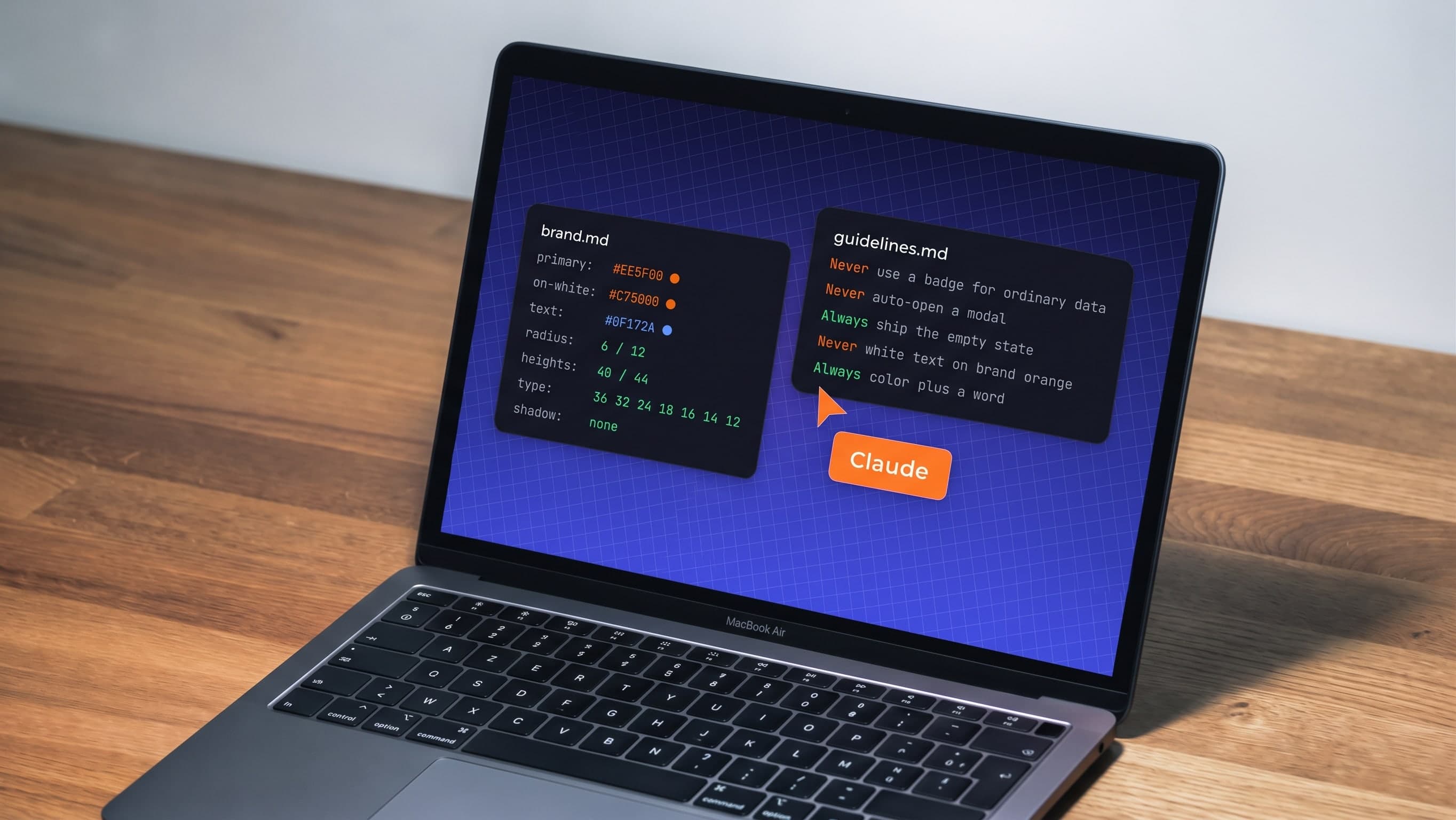
AI-built products drift: new greys, new sizes, new modals on every screen. How a designer wrote the rules, tokens and checks that keep AI on-brand.
Devin will sell you an AI software engineer. Nobody mentions that you also just became its engineering manager. An honest comparison of buying the AI tool vs. renting the outcome — and which deal your company actually needs.
Streaver embeds senior product teams inside companies building AI-native software, from whiteboard to live customers.
Talk to us