
Podcast
Swisspreneur
570+ podcast episodes turned into instant, cited answers
Read the case studyWe just moved our entire dev-workspace setup off manual steps and onto two scripts our tooling runs for us.
The deciding factor wasn't the time saved. It was parallelism.
That distinction matters more than it sounds. Saving a few minutes per setup is a nice-to-have. Being able to run several coding agents at once, each in its own clean world, is a different capability altogether, and it's the one that turned out to be worth automating for.
We work inside an agentic development environment, an ADE. Think of it as the layer that gives each branch its own clean, isolated copy of the project, instead of everything sharing one machine and one database.
We use Orca for this, and so far it's been excellent. Each branch gets a real, separate world: its own ports, its own database, its own build. Nothing leaks between them.
Setting a workspace up by hand means wiring ports, provisioning a database, and running a fresh build every single time. Miss one step and you collide with the workspace you opened ten minutes ago: a port already in use, a database you're unknowingly sharing, a build that isn't really yours.
That's fine when you run one at a time. You're careful, you remember the steps, you clean up before starting the next one.
But with coding agents working in parallel, that model falls apart. Each branch needs its own isolated world, and "careful manual steps" is exactly what breaks under concurrency. Agents don't take turns. They spin up together, work together, and finish at different times, and every one of them assumes it has a clean environment to itself.
Manual setup doesn't scale to that. It isn't a time problem; it's a correctness problem. The moment two environments quietly share state, you can't trust what either of them is telling you.
Manual setup collides. Isolation doesn't.
Shared machine · collidesPorts — already in useDatabase — silently sharedBuild — not really yoursIsolated workspaces · cleanPorts — its ownDatabase — dedicatedBuild — its own variantNot a time problem but a correctness problem. Shared state breaks the moment agents run in parallel.
It's tempting to file all of this under "developer convenience": a nicer setup, fewer papercuts. That framing undersells it. Once agents run in parallel, isolation stops being a comfort and becomes ai agent infrastructure: the layer everything else depends on.
An agent is only as trustworthy as the environment it runs in. If two workspaces can quietly share a database or a port, no amount of clever prompting fixes the resulting corruption; the failure is in the substrate, not the model. Treating each workspace as isolated infrastructure is what makes the agents' output something you can actually rely on.
So we automated the full lifecycle of a workspace: both the moment it's born and the moment it's retired.
On create, the script reads the issue number from your branch, gives the workspace its own identity and ports, boots a dedicated database, and builds the app as its own variant. You create the branch, and the environment simply exists. No checklist, no remembering which port you used last, no chance of colliding with a neighbor.
On archive, the teardown script stops the servers, tears the database down, and frees the ports. The workspace cleans up after itself. Nothing lingers to trip up the next one.
The result is a workspace that is disposable by design, ephemeral in the literal sense: it appears fully formed when you need it and disappears completely, teardown and all, when you don't, with no manual bookkeeping at either end.
Born on create, gone on archive. No manual bookkeeping.
On createAssigns portsBoots a databaseBuilds the appWhile aliveIsolatedCollision-proofIts own worldOn archiveStops the serversTears the database downFrees the portsEphemeral by design: appears fully formed when you need it, disappears completely when you don't.
The honest answer isn't the saved minutes.
It's that disposable, collision-proof workspaces are the only thing that survives multiple agents at once. Automation here isn't about convenience; it's the precondition for running agents in parallel at all. Once every workspace is guaranteed to be isolated and self-cleaning, concurrency stops being a source of subtle bugs and starts being a feature you can lean on.
If there's a lesson in this, it's to automate for the constraint you'll hit next, not the one you have today. We didn't do this to save time. We did it because the way we're going to work (many agents, many branches, all at once) makes manual setup untenable.
If you're dealing with unstructured documents, manual processes, or automation that doesn't scale, let's talk.
We enjoy tackling complex problems and turning them into systems that actually work.
👉 Get in touch and let's explore it together.
570+ podcast episodes turned into instant, cited answers
Read the case study
Building a $1M product for $125K with a non-technical CEO at the keyboard
Read the case study
First paying enterprise customers in fourteen weeks
Read the case study
Out of Claude Code credits by 11 AM? How one developer split the work across Haiku, Sonnet and Opus subagents and stopped hitting the usage limit.
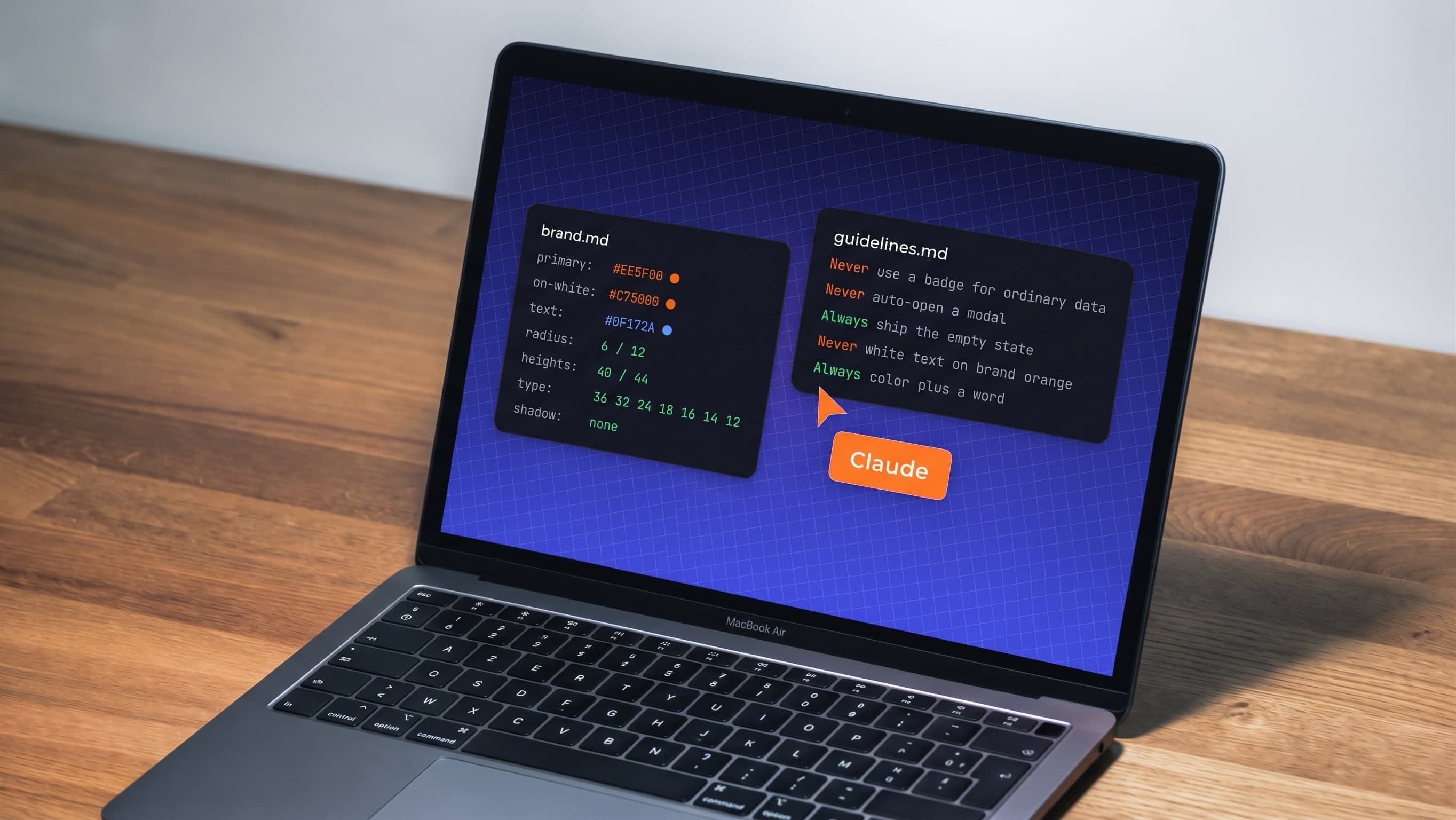
AI-built products drift: new greys, new sizes, new modals on every screen. How a designer wrote the rules, tokens and checks that keep AI on-brand.

How a developer automated his daily planning with a scheduled AI agent: no code, just a document, a schedule and one prompt. Rules, examples and costs.
Streaver embeds senior product teams inside companies building AI-native software, from whiteboard to live customers.
Talk to us